
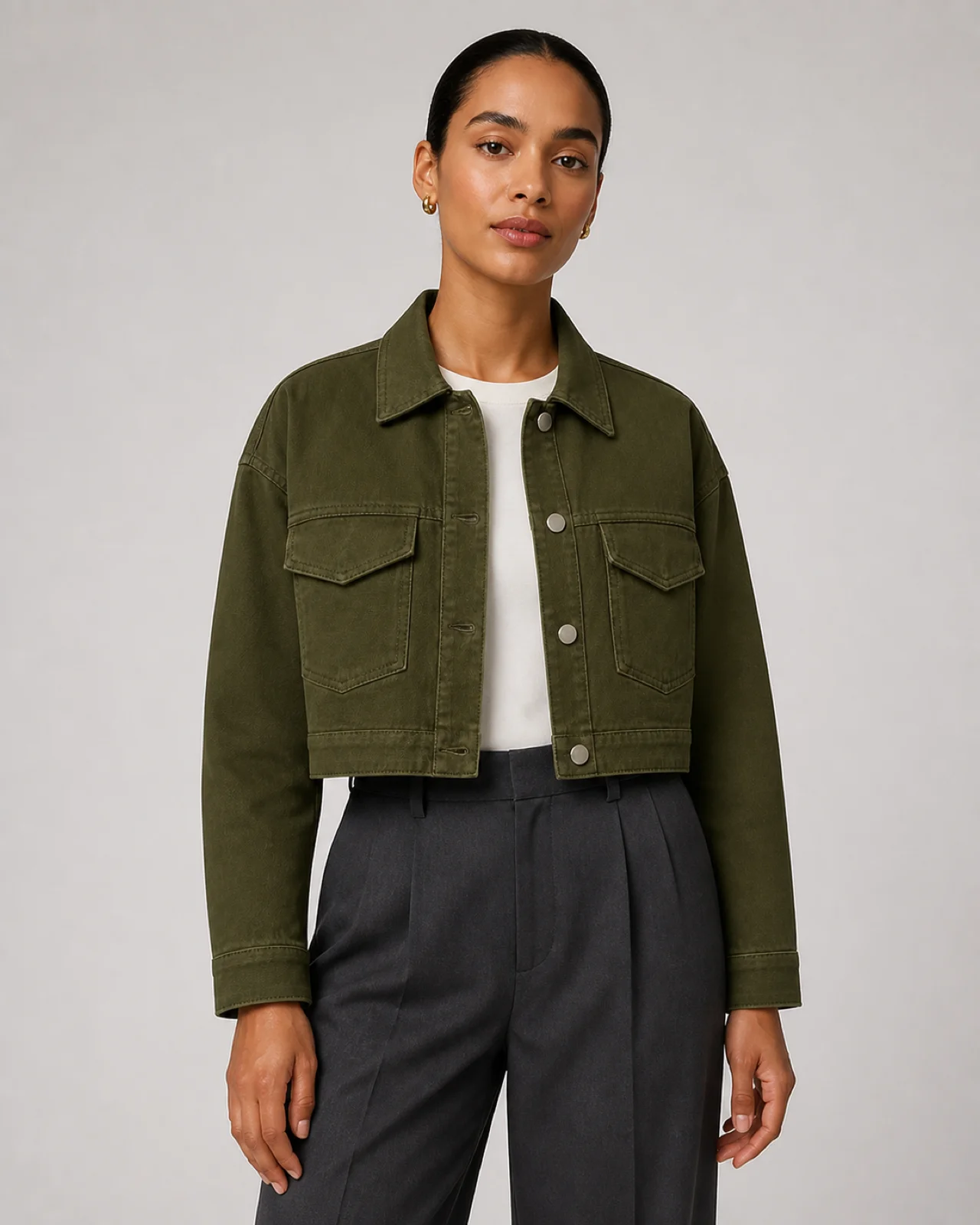
 01Generation · Beta
Product to model
Bring flat-lay and hanger photos to life with an AI model direction and an intentional setting.
Try in studioTHE APPAREL PHOTO STUDIO
AI fashion photography for ecommerce sellers. Start with your garment photo, choose a model direction and scene, then review the details and download approved images in your own sizes.
Generation · Beta · Requires sign-in, credits and an available AI service
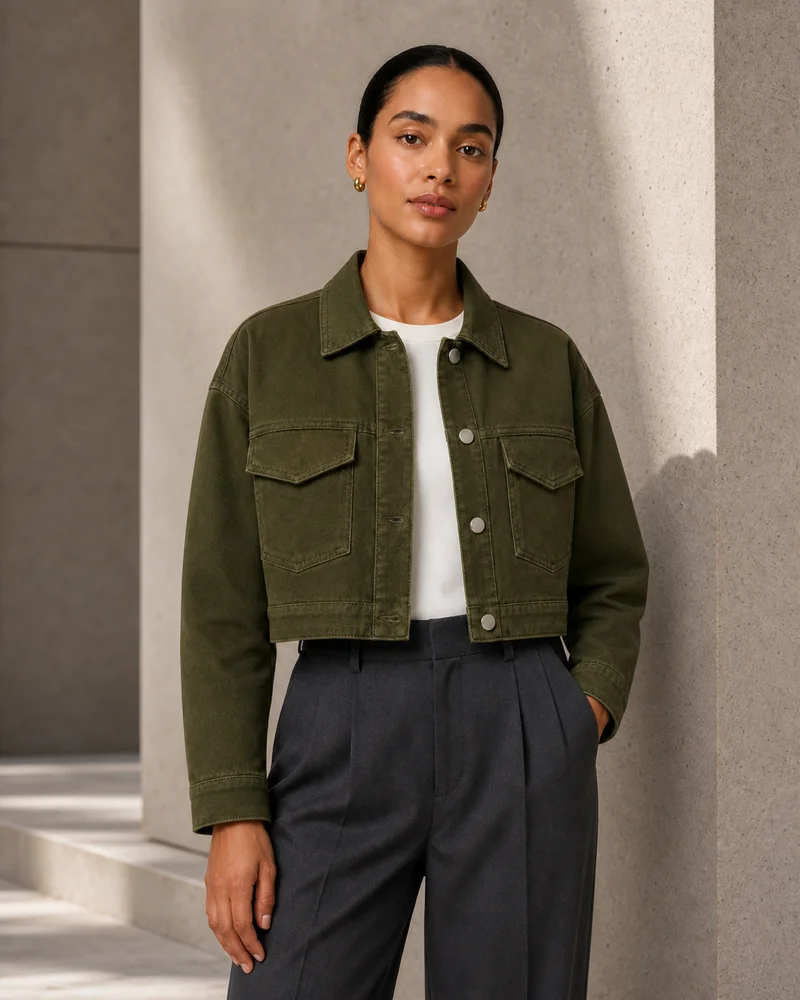
Original AI-created concept images, not outputs verified through this studio. Actual generation quality varies; review every garment detail.
Made for the way you sell clothes
YOUR CREATIVE TOOLKIT
From the first product photo to the final launch asset, keep the garment at the center of every image.
01Generation · BetaBring flat-lay and hanger photos to life with an AI model direction and an intentional setting.
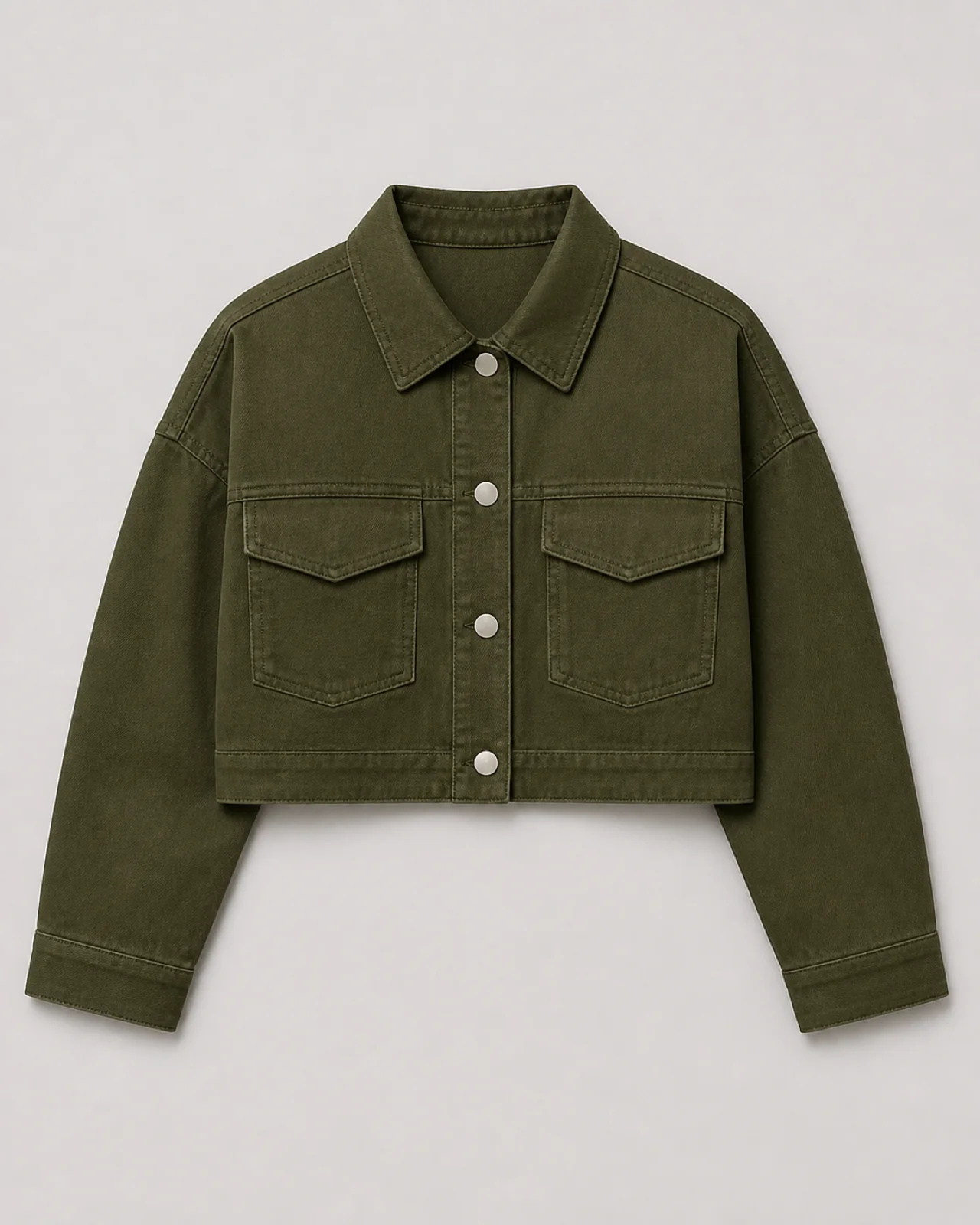
Try in studio02Generation · BetaMake the silhouette easy to see with a simple white-background product shot.
Try in studio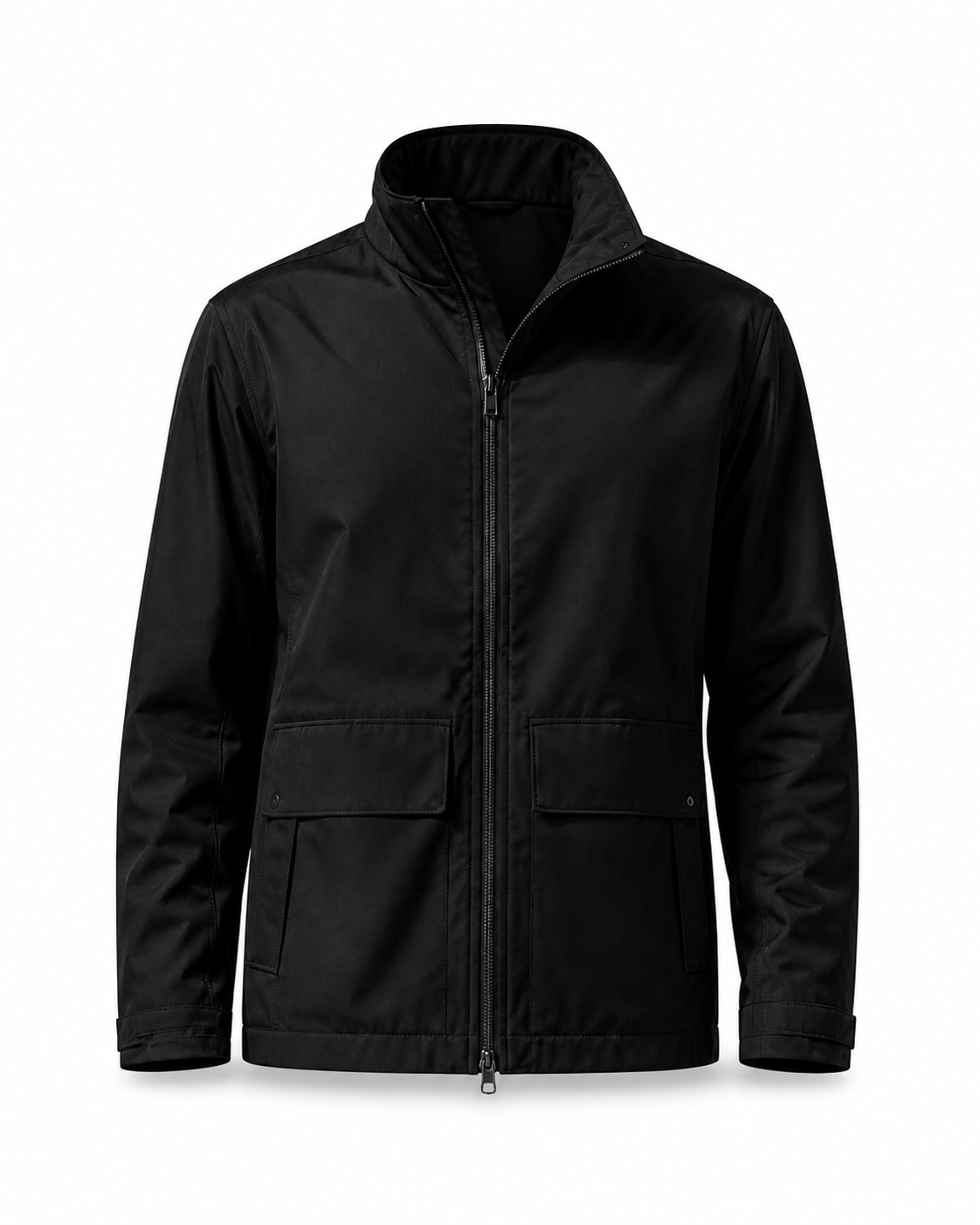 03Generation · Beta
Show the shape of the garment without a visible model. Add it to the same product workflow.
Try in studio04Generation · BetaExplore neutral studio, soft daylight and stone editorial directions for your next collection.
Try in studio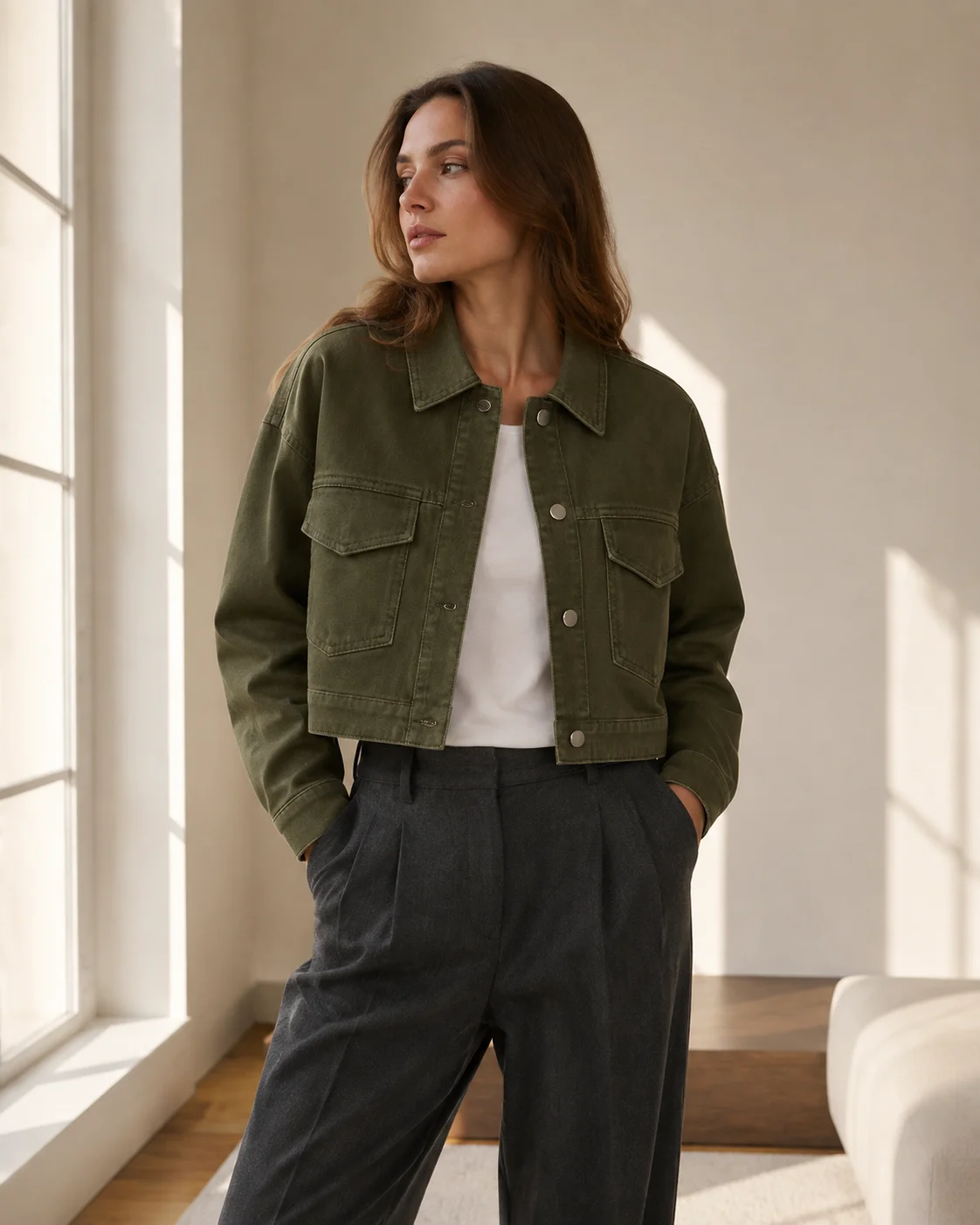 05Available · export
Approve once, then export square, portrait and vertical versions with garment-safe white padding.
Try in studio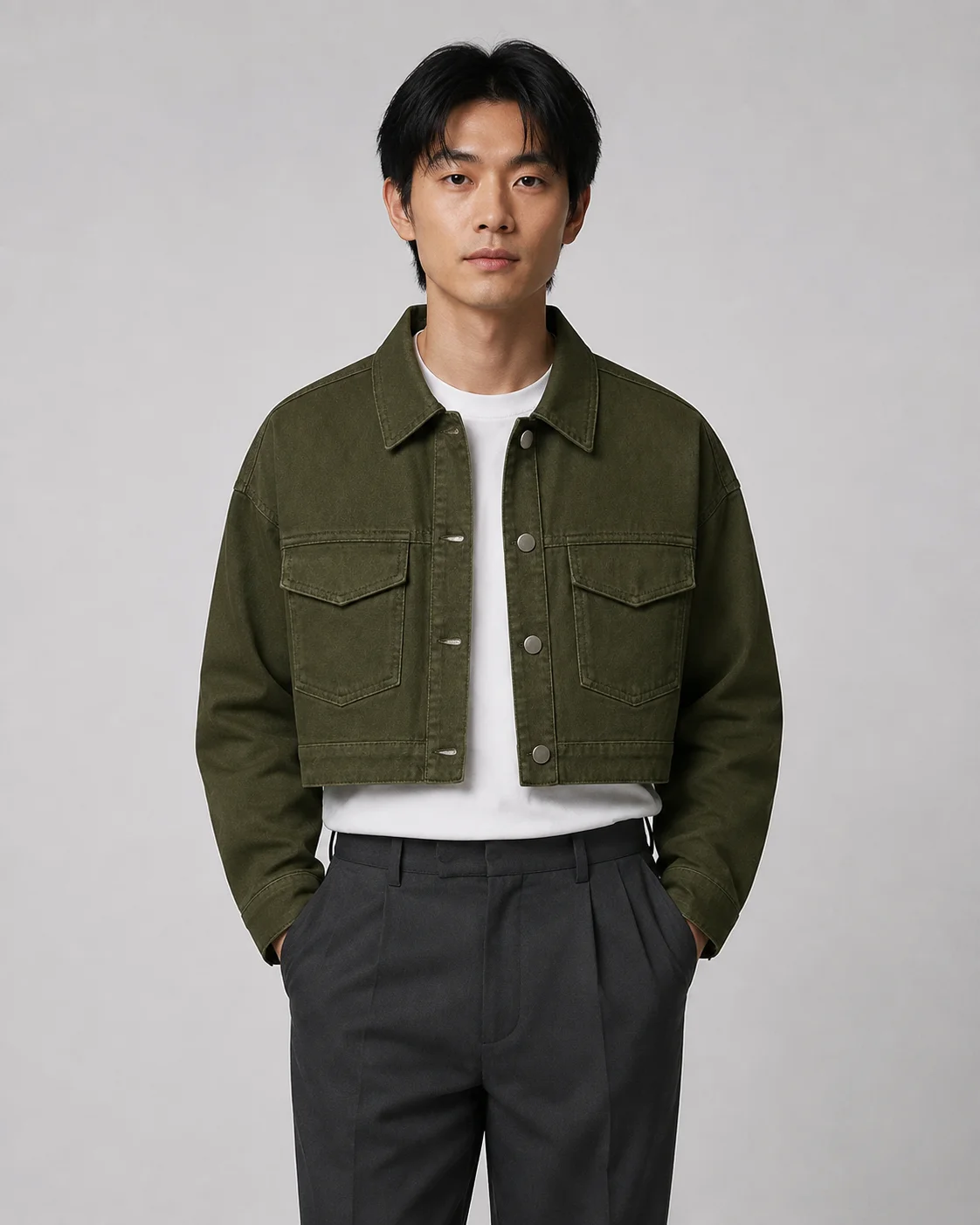 06Available · workflow
Compare your source and results, approve the keepers and download a clearly named image set.
Try in studioONE PRODUCT. MORE POSSIBILITIES.
Build a product page, develop a lookbook or prepare a social launch. Your source, creative choices and approved images stay together.
Start creating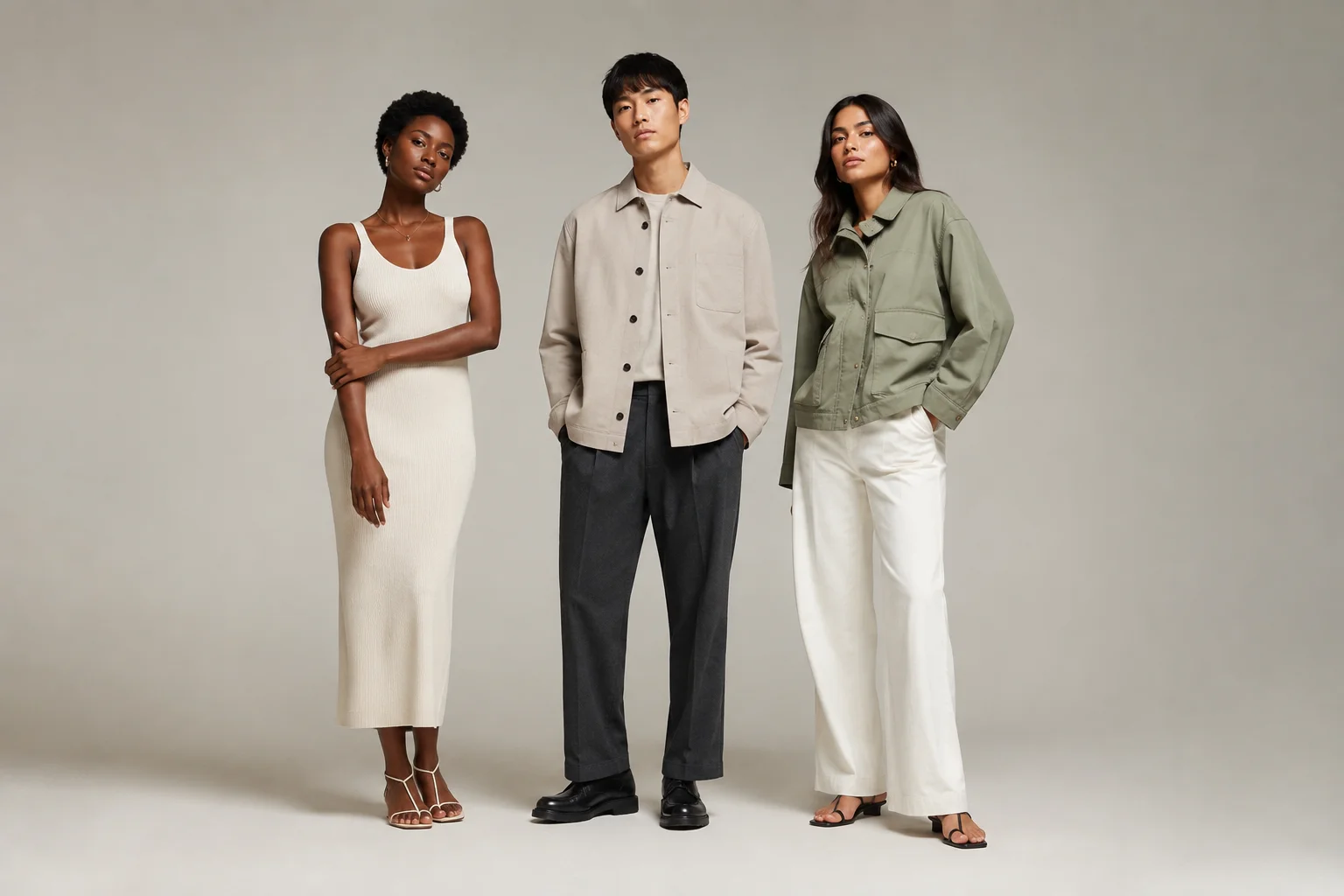
CREATED HERE. READY TO TAKE ELSEWHERE.
Choose a suggested layout or set your own dimensions. Download a ZIP with your approved images and a manifest. Platform connections and publishing are future additions.
FROM GARMENT TO DELIVERY
Upload a clear product photo and give your product a name.
Choose model, scene and Channel. See the cost before generating.
Inspect the garment details, approve good results and reject the rest.
Download approved images in your selected layouts and file format.
ROOM TO GROW
Consistent model identities, fashion video, batch generation and connected channel analytics are planned. The current studio focuses on still images and downloadable assets.
Use a clear, well-lit garment photo with an unobstructed front. JPG, PNG and WebP are supported, up to 10 MB. AI cannot reliably reconstruct details that are not shown.
Generation is in Beta. Check color, cut, logo, prints and construction against your original before use. Exact model identity and pose are not guaranteed.
No. Channel currently creates downloadable image sizes. The presets are suggestions, not official platform approval. Review each platform's current requirements yourself.
Projects and source photos are saved in this browser on this device. They are not synced to another device. Back up important files; clearing browser storage removes local drafts.
No. This AI fashion model generator is for apparel product imagery, not predicting fit or recommending sizes. Exact model identity and pose are not guaranteed.
You can prepare a local draft first. Real generation requires an account, credits and an available service. Studio shows availability and the credit quote before submission; free generation is not promised.
Different photo tasks, one Studio. Check input requirements and limitations before starting.
Start with a flat-lay garment photo, explore an on-model candidate, and review the details before downloading.
Explore the invisible mannequin effect when you want garment shape without a visible model.
Start with one garment. Build the images for what comes next.
Start creating